

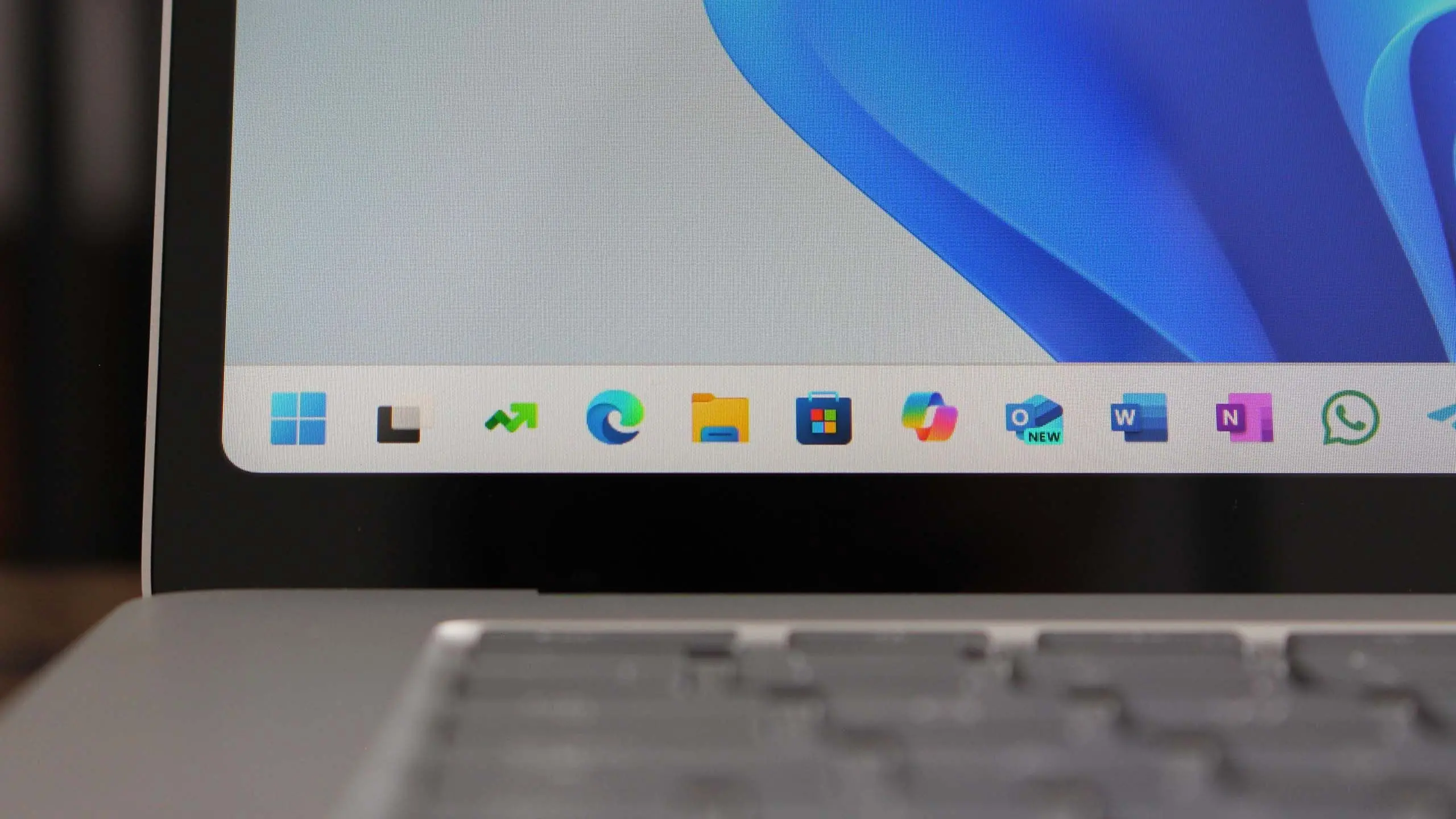
Introduction to Windows 11 version 25H2
Microsoft continues to refine its flagship operating system with the upcoming Windows 11 version 25H2. Expected to roll out in the second half of 2025, this update represents a major milestone in the evolution of Windows 11. Building on the foundation of previous versions, 25H2 introduces a host of new features designed to enhance productivity, security, and user experience. From deeper AI integration to interface refinements, this release aims to keep Windows at the forefront of modern computing.
Key Features and Improvements
Windows 11 25H2 is rumored to include several groundbreaking features. One of the most anticipated is the integration of advanced AI capabilities, likely leveraging Microsoft's Copilot technology. Users can expect smarter search functions, contextual recommendations, and automated task management that learns from user behavior. Additionally, the update is expected to improve native support for ARM-based processors, offering better performance and battery life for devices like the Surface Pro X and other ARM laptops.The Start Menu and Taskbar are also set for a refresh. While Microsoft has made incremental changes since the original Windows 11 launch, 25H2 may introduce more customizable layouts and widgets. Widgets could become more interactive, displaying real-time data from apps like weather, calendar, news, and third-party integrations. Another significant improvement is in multitasking—Snap Layouts and Snap Groups are likely to gain new presets and better support for ultrawide monitors and multiple desktops.Windows 11 25H2 also promises enhanced security features. With the rise of cyber threats, Microsoft is focusing on zero-trust architecture. This includes built-in phishing protection, improved BitLocker encryption, and hardware-based security measures such as Pluton chips. The update may also require TPM 2.0 as a minimum standard, ensuring all devices meet stringent security requirements.
System Requirements and Compatibility
While Microsoft has not officially announced the system requirements for 25H2, they are expected to be similar to those of Windows 11 version 24H2. This means a compatible 64-bit processor (1 GHz or faster with two or more cores), 4GB of RAM, 64GB of storage, DirectX 12-compatible graphics card, and a display larger than 9 inches with HD resolution. However, given the AI features, some requirements may be slightly higher—especially for PCs that want to take full advantage of neural processing units (NPUs). Devices with integrated NPUs, such as Qualcomm Snapdragon X Elite and Intel Meteor Lake processors, will likely be recommended for optimal performance.Users with existing Windows 11 devices should be able to upgrade for free, as Microsoft continues its policy of offering major updates to all supported hardware. However, some older systems that barely meet the current minimum requirements may face performance issues or lose access to certain features.
Expected Release Date and Update Channels
Microsoft typically releases major Windows versions in September or October for the second half of the year. Therefore, Windows 11 version 25H2 is likely to become available around September 2025. Insiders can expect preview builds earlier, possibly starting in early 2025 through the Windows Insider Program. The update will be delivered via Windows Update, with a phased rollout to ensure stability. As with previous releases, Microsoft will likely offer an ISO file for those who prefer a clean installation. Enterprise and education customers may receive the update earlier through volume licensing channels.
Performance and User Experience Enhancements
Under the hood, Windows 11 25H2 is expected to bring performance improvements that make the OS feel snappier and more efficient. Microsoft is optimizing the scheduler for hybrid CPU architectures (like Intel's P-cores and E-cores) and improving memory management. This should result in faster app launches, better responsiveness on battery power, and reduced resource consumption for background processes. File Explorer is also getting a makeover. The new version may include a refreshed interface with tabs becoming a standard feature, along with improved search capabilities that can index cloud files from OneDrive and other services. The Settings app will likely be further refined, with more options moved away from Control Panel and deeper integration with Windows Backup and Recovery.
AI Integration: Copilot and Beyond
Microsoft's Copilot has been a major focus, and 25H2 will deepen this integration. Copilot can assist with writing, summarizing documents, adjusting system settings, and even generating images. The update may introduce a dedicated Copilot key on keyboards, similar to the recent announcement for AI PCs. Natural language commands will become more powerful, allowing users to perform complex tasks like merging files or creating playlists just by describing what they want. Imagine telling your PC, "Create a folder for my December photos and apply a filter to all of them"—Copilot will handle it.
Gaming and Graphics Improvements
Gamers will also benefit from 25H2. Microsoft is working on DirectX 13 (or a major update to DirectX 12 Ultimate) that promises better ray tracing performance, variable-rate shading, and support for new GPU architectures. Auto HDR and dynamic refresh rate features will be expanded to more games. Additionally, the Xbox app will get tighter integration, allowing for cross-platform saves and streaming directly to Windows devices. The update may also include improvements to the Windows Subsystem for Android, making it easier to run mobile apps natively on PC.
Security and Privacy in 25H2
Security remains a top priority. Windows 11 25H2 will likely include enhanced ransomware protection, such as controlled folder access and backup alerts. The Microsoft Defender suite will be more proactive, using cloud-based AI to detect suspicious behavior in real-time. Privacy settings are being simplified, giving users more granular control over diagnostic data and app permissions. The firmware attack surface is reduced through Secure Boot and Microsoft's Pluton security processor support. For enterprise users, Windows 11 25H2 will include more advanced management tools, including simplified deployment via Microsoft Intune and better compliance auditing. The update also supports Windows Hello enhanced sign-in security through passkeys and FIDO2 authentication.
Cloud Integration and Microsoft 365
As part of Microsoft's cloud-first strategy, Windows 11 25H2 will offer deeper integration with Microsoft 365. Users will be able to access their Office files, Outlook emails, and Teams messages directly from the Start Menu or Widget Board. OneDrive will be more tightly integrated into File Explorer, making files available offline automatically. The update may also include a new feature called "Windows 365 Boot" that allows devices to boot directly into a Cloud PC instance, ideal for remote workers. This seamless integration blurs the line between local and cloud computing, enabling a truly hybrid work environment.
Environmental and Energy Efficiency
Windows 11 25H2 is expected to include energy-saving features that reduce carbon footprint. Microsoft has committed to being carbon negative by 2030, and the OS update reflects this. Power management will be smarter, with the OS learning when to put background processes to sleep and when to boost performance. New efficiency modes for video streaming and gaming can lower power consumption without sacrificing quality. Users may also see a carbon-aware feature that suggests running updates during times when more renewable energy is available on the grid.
With the removal of support for older hardware, Windows 11 25H2 marks a clear break from legacy systems. While this may frustrate some users, it ensures that the OS remains secure and efficient. The update also drops support for some older apps and drivers, especially those not signed by Microsoft. It's a bold step towards a modern, secure, and AI-driven operating experience.
Source: Windows Central News