

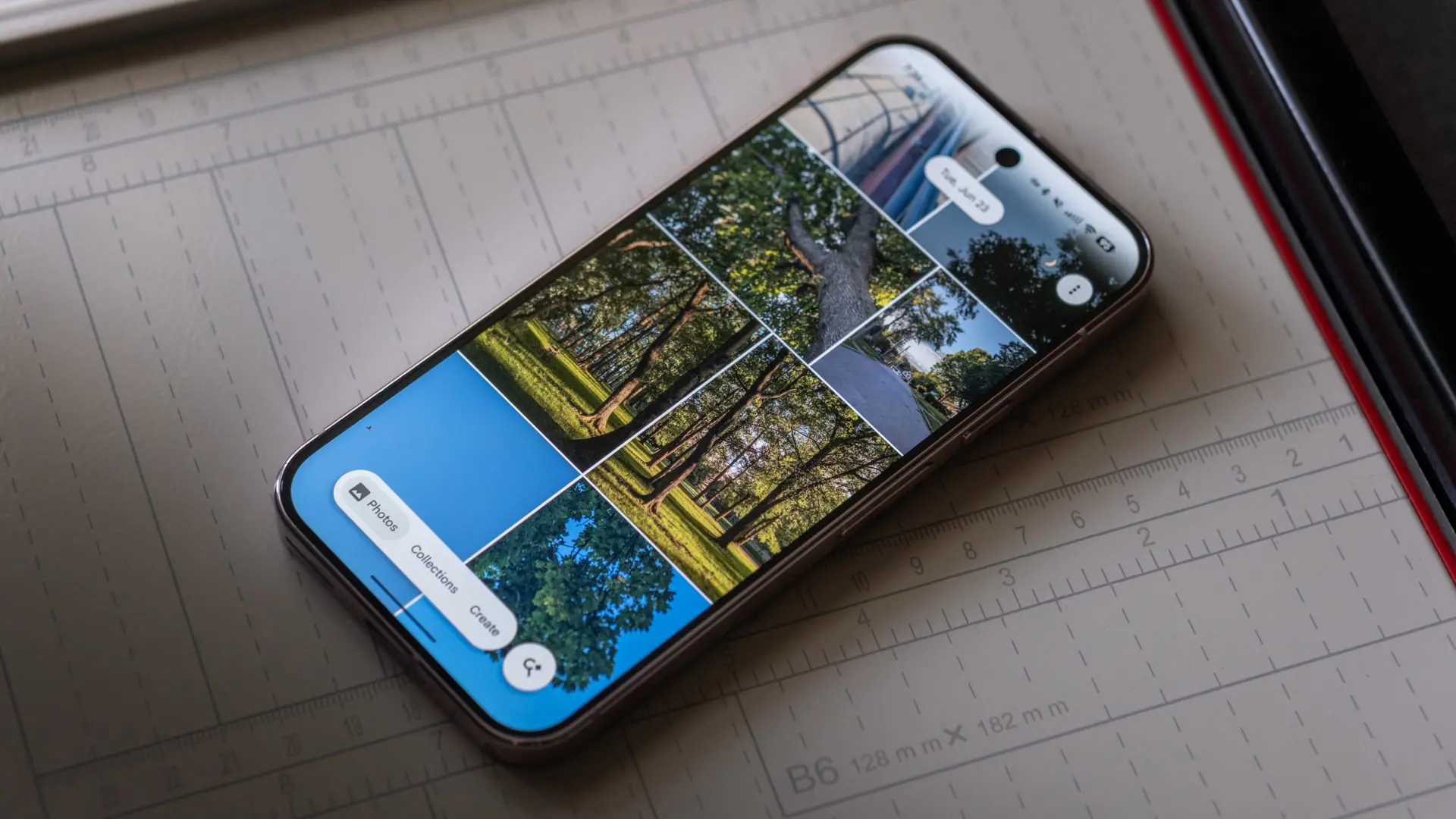
If you have ever opened Google Photos and found yourself distracted by that shimmering effect across your photo grid, there is finally a welcome change. Google has added a dedicated toggle to turn off the shimmer animation, giving users more control over the app's visual appearance. This update, part of Google Photos version 7.85, addresses a long-standing complaint from users who prefer a cleaner, more static gallery experience.
What Is the Shimmer Effect?
The shimmer effect is a subtle animation that plays across thumbnails when you browse your photo library. It creates a gentle, sweeping light movement intended to make the gallery feel more dynamic and alive. Google originally introduced this effect to add a sense of polish and to hint at interactive possibilities, such as creating stickers from photos. However, not everyone appreciated the visual flourish.
Why Some Users Found It Annoying
For many users, the constant shimmer became a source of distraction. Those who scroll through large collections of photos—whether to find a specific image, revisit old memories, or organize their library—found that the animation interrupted their focus. The effect, while subtle, can strain the eyes over time, especially for individuals sensitive to motion or with certain visual impairments. Additionally, on older devices, the shimmer could cause slight performance hiccups, making the interface feel less responsive.
Google Responds to User Feedback
This change did not come out of nowhere. Reports emerged earlier this year that Google was testing a toggle for the shimmer animation inside the Google Photos app. The company has a history of listening to community feedback, and this update is a clear response to the many requests for a disable option. By adding this toggle, Google acknowledges that one-size-fits-all design does not work and that users deserve the ability to customize their experience.
The Evolution of UI Customization in Google Photos
Over the years, Google Photos has slowly introduced more customization options. From grid size adjustments to the ability to hide certain albums, each update has aimed to give users finer control. The shimmer toggle is another step in that direction. It follows a pattern where Google rolls out a feature, gauges user reactions, and then refines it based on feedback. This iterative approach has helped Google Photos remain one of the most popular gallery apps on Android.
How to Turn Off the Shimmer Effect
The option is still enabled by default, so you need to manually disable it. Follow these simple steps:
- Open the Google Photos app on your Android device.
- Tap your profile picture icon in the top-right corner to access your account menu.
- Select Photos settings from the dropdown list.
- Navigate to Preferences under the settings menu.
- Tap on Photos view to open the display options.
- Locate the toggle labeled Show shimmer and disable it.
Once you turn it off, the shimmer animation will no longer play across your thumbnails. The change is immediate, and you can re-enable it at any time if you miss the effect.
Required App Version
The toggle is available starting from Google Photos version 7.85. If you do not see the option, make sure your app is up to date. You can check your current version by going to the Play Store, searching for Google Photos, and looking under the app info. If an update is available, install it and then follow the steps above. The rollout may be gradual, so some users might receive the update slightly later.
Beyond the Shimmer: New AI Camera Shortcut
Alongside the shimmer toggle, Google has introduced a faster way to capture photos for AI-powered edits directly within Google Photos. This new shortcut, often called the AI camera, allows you to instantly take a photo and apply Google's advanced editing tools like Magic Eraser, Photo Unblur, or Portrait Light. Previously, you would need to switch to the standard camera app and then import the image into Google Photos. Now, the AI camera shortcut streamlines the process.
How the AI Camera Shortcut Works
The AI camera shortcut appears as a small icon within the Google Photos editing interface. When you tap it, the app launches a simplified camera view that captures a photo and immediately presents AI-enhanced editing options. This integration is especially useful for users who want to quickly fix blemishes, remove distractions, or enhance lighting without juggling multiple apps. It represents Google's continued investment in AI-driven photography tools.
The Importance of User Control in Modern Apps
These updates reflect a broader trend in software design: giving users more control over their interface. As apps become more feature-rich, the risk of overwhelming users grows. By offering toggles for visual effects, Google allows individuals to tailor the experience to their preferences. This approach respects the diversity of user needs—some people enjoy animations and dynamic interfaces, while others favor minimalism and efficiency.
Comparison with Other Gallery Apps
Many competing gallery apps, such as Samsung Gallery or simple file managers, have long offered static views without animations. Google Photos, by contrast, has always emphasized visual polish. The shimmer toggle narrows that gap, appealing to users who prefer a more straightforward browsing experience. Apple's Photos app, for instance, does not have a similar shimmer effect, but it offers other subtle animations that some users also find distracting. The ability to disable such effects is becoming a standard expectation.
Potential Future Customizations
With the shimmer toggle now live, users may wonder what other visual elements could become customizable. Google has not announced additional toggles, but the company's increased attention to user feedback suggests that more options might arrive. Possibilities include disabling parallax effects on live photos, turning off the auto-play of video previews, or adjusting the transition animations when opening an image. As Google Photos continues to evolve, user input will likely shape its interface.
Impact on Performance and Accessibility
Disabling the shimmer effect can also improve performance on lower-end devices. Animations consume processing power and battery, so turning them off can make the app feel snappier. Additionally, for users with motion sensitivity or conditions like vestibular disorders, removing unnecessary animations improves accessibility. Google has been making strides in accessibility across its products, and this toggle aligns with those efforts.
How to Update Google Photos
If you have not yet received version 7.85, you can manually check for updates by opening the Google Play Store, searching for "Google Photos," and tapping the Update button if available. Alternatively, you can sideload the latest APK from a trusted source, though caution is advised. After updating, the shimmer toggle should appear in the Preferences section as described.
What If the Toggle Is Missing?
In some cases, the toggle might not appear immediately after updating. This could be due to a server-side rollout that is staggered across regions. If you have the correct version but do not see the option, wait a few days and check again. Restarting the app or clearing its cache can also help. Google typically expands feature availability over time, so it should reach all users eventually.
Conclusion Avoidance: A Natural Ending
These changes demonstrate Google's willingness to refine its apps based on real-world usage. By adding a simple toggle, the company has addressed a common irritation without compromising the visual identity of Google Photos. The shimmer effect served its purpose as an experiment, but now users have the final say. Whether you prefer the dynamic shimmer or a calm, static grid, the choice is yours.
Source: Android Authority News